Key takeaways:
Dexcom G7 is a continuous glucose monitor that’s FDA cleared for adults and children ages 2 and older with diabetes.
The Dexcom G7 is smaller, easier to insert, and more accurate than the G6 model. It also has a shorter warm-up period and a newly redesigned mobile app to help you track your glucose (sugar) trends.
There are many ways to save on the Dexcom G7. GoodRx can help you save over $200 off the average retail price at certain pharmacies.
Save on related medications
In December 2022, the FDA cleared the Dexcom G7 continuous glucose monitor (CGM) device. The G7 can be prescribed for adults and children ages 2 and older living with diabetes. CGMs have recently grown in popularity for people with Type 1 and Type 2 diabetes.
Dexcom is a leader in real-time continuous glucose monitoring, making life easier for people living with diabetes. Their Dexcom G6 CGM has been on the market since 2018. The Dexcom G7 offers more accuracy and other improved features than previous models.
Good to know: “FDA cleared” is a term used to describe medical devices that the FDA has reviewed for safety and effectiveness. Many people use the terms “FDA cleared” and “FDA approved” interchangeably. But FDA approval is a different process, and it’s typically only used to review medications and vaccines.
How does the Dexcom G7 work?
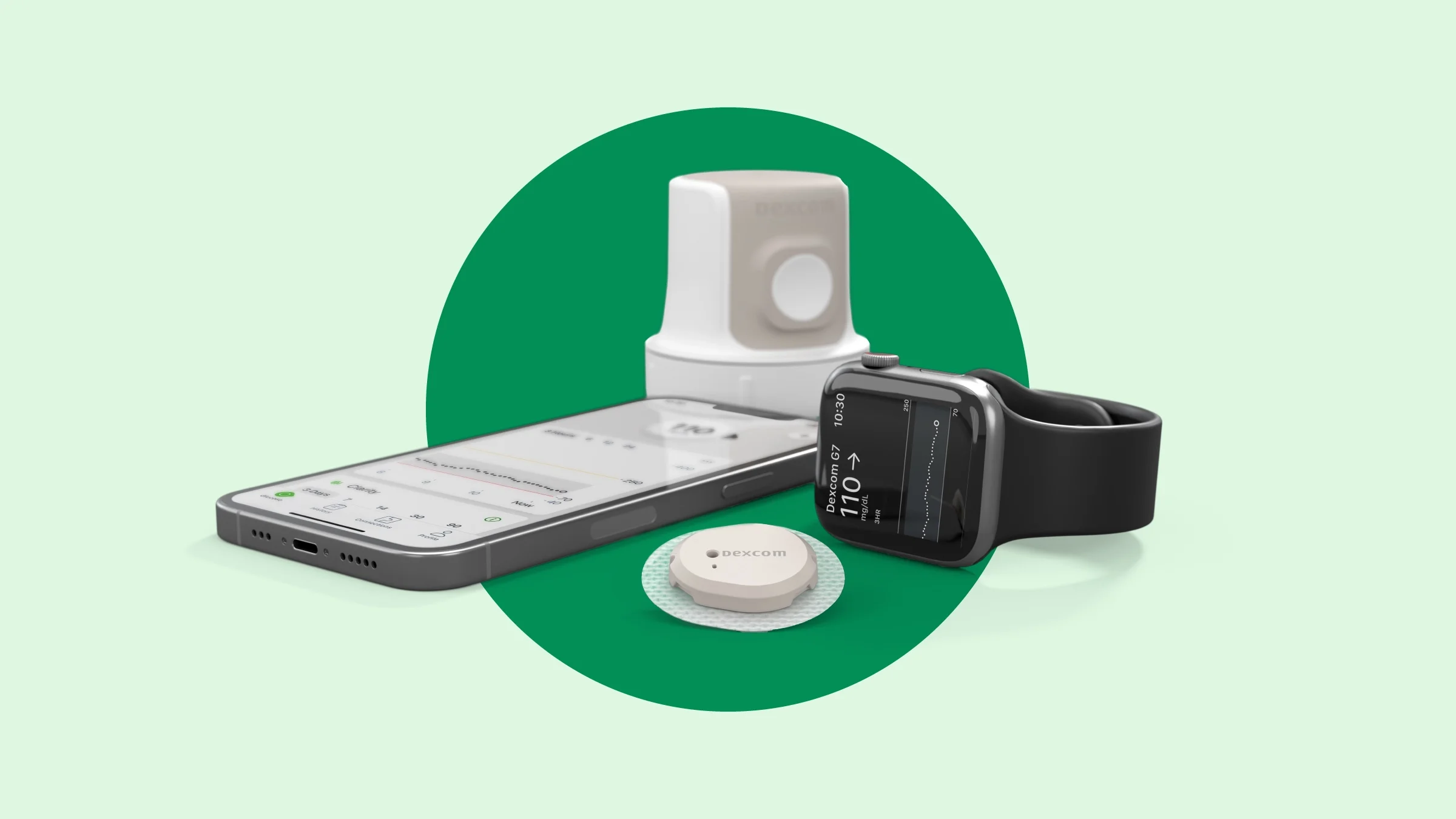
Dexcom G7 is an all-in-one disposable device. The sensor and transmitter come pre-assembled and ready to insert. Here’s how it works:
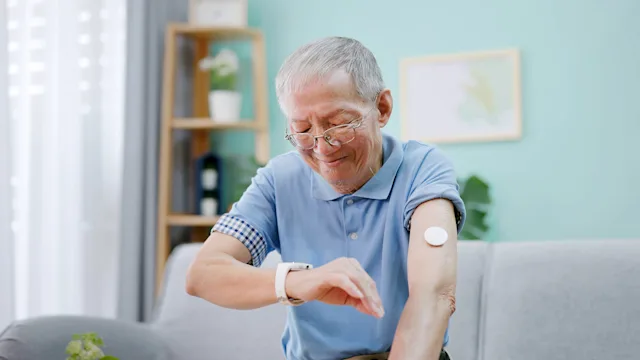
Using the attached applicator, you can insert the Dexcom G7 sensor on the back of your upper arm. For children ages 2 to 6, you can also insert it on the upper buttocks area.
Once inserted, the Dexcom G7 sensor measures the glucose (sugar) in the fluid beneath your skin. After inserting the sensor, a countdown begins for the warm-up period (about 30 minutes). During this time, you won’t receive glucose readings or alerts.
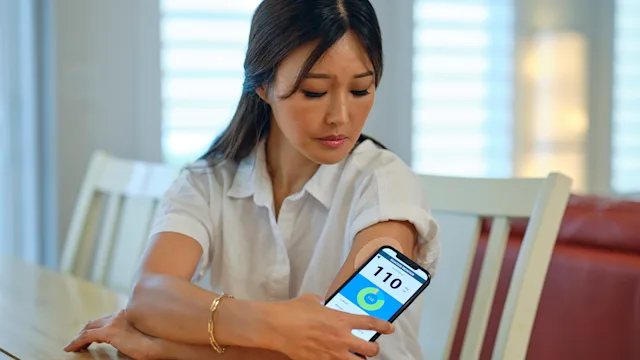
After the warm-up period, the G7 sensor takes readings every 5 minutes and sends them to a receiver (smartphone, smartwatch, compatible insulin pump, or G7 receiver).
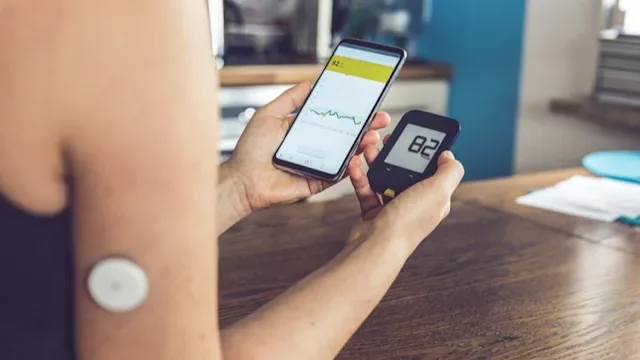
Having the Dexcom G7 doesn’t mean you can get rid of your glucometer. But it can help greatly reduce how often you need to use it. Again, the G7 measures glucose levels in the fluid under the skin, not blood sugar. So there may be lags of 5 minutes or more with your CGM results. This means your blood sugar and CGM readings may not be the same.
If you feel symptoms of high or low blood sugar, double-check your blood sugar with a glucometer — even if your CGM reading is within your target range. Use the glucometer result to make treatment decisions or medication adjustments. Then, consider calibrating the system.
Can the Dexcom G7 be worn on the abdomen?
Dexcom G7 is only FDA cleared to wear on the back of the upper arm (or upper buttocks for young children). This means that the FDA only evaluated its safety and effectiveness for these locations.
Your healthcare team may still say that it’s OK for you to wear your Dexcom G7 on your abdomen. But you shouldn’t start wearing it this way without talking to them first.
How accurate is the Dexcom G7?
Dexcom G7 is the company’s most accurate CGM. It has a mean absolute relative difference (MARD) of 8.2% for adults when inserted on the arm. The G6 model isn’t FDA cleared for use on the arm and has a MARD of 9.9% for adults when inserted on the stomach.
The MARD is a standard way of measuring CGM accuracy. It represents the difference between CGM sugar readings and blood sugar readings. The lower the MARD, the more accurate the device is. Because CGMs don’t measure sugar levels in the blood, there are differences between the two readings.

More about CGMs: Experts discuss how continuous glucose monitors (CGMs) work and how they can help you manage your glucose (sugar) levels.
Dexcom vs. FreeStyle Libre: Find out how these two popular CGMs compare.
Are CGMs available OTC? Yes, but they’re not right for everyone living with diabetes. Learn more about over-the-counter CGMs.
How does Dexcom G7 compare to the G6?
In addition to better accuracy, the Dexcom G7 has several other improvements compared to the G6. Here are five of those differences.
1. Smaller size and new shape
The Dexcom G7 is 60% smaller than the G6 model. Its shape is also now circular and looks like a few U.S. quarters stacked on top of each other. This means the G7 may be less noticeable while worn compared to the G6. It’s also more compact and comfortable and less likely to become caught on clothing and get pulled off.
2. Different body locations cleared for wear
The G7 is FDA cleared to use on the back of the upper arm for people ages 2 and older. There’s also an option to insert the sensor to the upper buttocks for children between ages 2 and 6. It’s not FDA cleared to insert the G7 sensor on the stomach.
Read more like this
Explore these related articles, suggested for readers like you.




In comparison, the G6 is only cleared for insertion on the stomach for people ages 2 and older. Children and adolescents ages 2 to 17 can also insert the sensor on the upper buttocks. While some healthcare professionals instruct people to insert the G6 on the back of the arm, this is considered an off-label use of the device.
3. Easier sensor (and transmitter) application process
As mentioned above, the Dexcom G7 is an all-in-one disposable device (includes both the transmitter and sensor). This means there’s only one step you need to perform to insert the device. This improvement makes the application process faster and more convenient, with less waste and packaging. Each G7 sensor/transmitter lasts for up to 10 days, with a 12-hour grace period.
With the G6 and other previous models, the transmitter was reused and lasted 3 months. This not only required multiple steps to apply it, but replacing a lost transmitter could also be difficult.
4. Shortened sensor warm-up period
The Dexcom G7 takes up to 30 minutes to warm up and start measuring glucose. In comparison, the Dexcom G6 takes up to 2 hours to warm up. During this time, the CGM is adjusting to the fluid under your skin and can’t provide glucose readings.
After the warm-up period, both the G7 and G6 will provide CGM readings every 5 minutes. Neither device requires calibration with a blood sugar result from a glucometer.
5. Redesigned smartphone app
Finally, the Dexcom G7 sensor can be paired with a reader or an app on your Android or Apple smartphone. The new app is easier to navigate than the G6 app. The G7 app was designed to provide better visuals to help people understand their glucose readings and trends.
You can also customize your alerts for out-of-range glucose readings with the G7 app. With the G6, you can only customize some of these alerts. There are certain ones that cannot be silenced or turned off.
Both the Dexcom G6 and G7 apps allow you to share glucose readings and trends with your healthcare team and friends, family, or caregivers. This data-sharing can be set up and managed within your CGM’s app.
The G6 and G7 apps can also connect with some smartwatches. Be sure to check Dexcom’s compatibility page to see if your device is compatible with your CGM’s app.
Does the Dexcom G7 connect with insulin pumps?
Yes, Dexcom G7 is compatible with the following automated insulin delivery (AID) systems:
The G7 was cleared by the FDA to offer AID connectivity. So the list of AID systems that are compatible with the Dexcom G7 may grow with time.
How to save on the Dexcom G7
Without insurance, the average cost of the Dexcom G7 system is $1422.93 for 3 sensors (a 1-month supply). The average retail price of a G7 receiver is $377.66. Keep in mind that the receiver isn’t necessary if you’re using Dexcom’s G7 app.
Here are some ways to save on the Dexcom G7:
Save with GoodRx. GoodRx can help you save $220 off the average retail price of the sensors and $240 off the price of 1 receiver. The price of 3 Dexcom G7 sensors at certain pharmacies is around $180 with a free GoodRx discount. The price of 1 receiver is around $80 with GoodRx.
Save with a patient assistance program. If you’re uninsured or underinsured, you may be eligible for Dexcom’s patient assistance program, which may offer the device for free or at a reduced cost.
Frequently asked questions
The Dexcom G7 lasts for up to 10 days. It also has a 12-hour grace period at the end. So there’s more flexibility when it comes to changing your sensor at a time that’s most convenient for you.
Yes, many Medicare plans cover the Dexcom G7 and other CGMs. This includes people with Medicare Part B and Medicare Advantage plans. But you may need to meet certain criteria in order for your plan to cover the Dexcom G7. Notably, your plan may not cover CGMs unless you’re currently using insulin.
The Dexcom G7 lasts for up to 10 days. It also has a 12-hour grace period at the end. So there’s more flexibility when it comes to changing your sensor at a time that’s most convenient for you.
Yes, many Medicare plans cover the Dexcom G7 and other CGMs. This includes people with Medicare Part B and Medicare Advantage plans. But you may need to meet certain criteria in order for your plan to cover the Dexcom G7. Notably, your plan may not cover CGMs unless you’re currently using insulin.
The bottom line
The Dexcom G7 is one of several continuous glucose monitors (CGMs) on the U.S. market. It’s smaller, more accurate, and easier to insert than the previous G6 model. And it’s an all-in-one disposable device that has a shorter warm-up period than previous models. With the G7 app, it's easier to see glucose (sugar) data, identify patterns, and make smart decisions from a single screen. Dexcom G7 is also compatible with certain insulin pumps.
There are multiple savings options to help you get started with the Dexcom G7.

Why trust our experts?




For more information about Dexcom G7, visit their website.
Check whether your smart device is compatible with Dexcom products here.
References
Bailey, T. S., et al. (2021). Landscape of continuous glucose monitoring (CGM) and integrated CGM: Accuracy considerations. Diabetes Technology & Therapeutics.
Centers for Medicare & Medicaid Services. (2024). Glucose monitors.
DexCom. (n.d.). Connect with iLet bionic pancreas.
DexCom. (n.d.). Connect with Tandem Mobi system.
DexCom. (n.d.). Connected pumps.
DexCom. (n.d.). Setting up Dexcom Clarity.
DexCom. (2022). Dexcom G7 receives FDA clearance: The most accurate continuous glucose monitoring system cleared in the U.S.
DexCom. (2022). G6 CGM users guide.
DexCom. (2022). G6 start here guide.
DexCom. (2022). Using your G6.
DexCom. (2023). Dexcom G7 is now the most accurate, smallest, easy-to-use CGM connected to the Tandem t:slim X2 insulin pump.
DexCom. (2024). G7 Receiver: Start here.
DexCom. (2024). G7-RX: Using your receiver.
DexCom. (2025). Devices that work with Dexcom apps.
DexCom. (2022). G7 CGM users guide.
DexCom. (2025). G7 phone app essentials.
DexCom. (2025). G7 start here guide.
diaTribe. (n.d.). Continuos glucose monitoring.
Garg, S. K., et al. (2022). Accuracy and safety of Dexcom G7 continuous glucose monitoring in adults with diabetes. Diabetes Technology & Therapeutics.
Inserro, A. (2018). FDA approves Dexcom G6, streamlines review for similar interoperable CGMs. AJMC.
Insulet. (n.d.). Omnipod 5 with Dexcom integration.
Welsh, J. B., et al. (2022). Comparisons of fifth-, sixth-, and seventh-generation continuous glucose monitoring systems. Journal of Diabetes Science and Technology.